Opening UMP Page
You can open the Multitenant interface All Services page for Direct Routing and Operator services using Single Sign-on from the Live Platform portal.
| ➢ | To open the UMP-365: |
| 1. | In the Services page, from the Services drop-down list, select Teams: Operator Connect > Open UMP Page. |
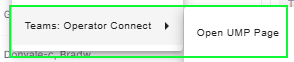
This menu option is supported for Channel Admin for UMP versions 8.0.717.404 (SP4) and 8.0.518.26 and later.
| 2. | Select the relevant customer and then click Select. |
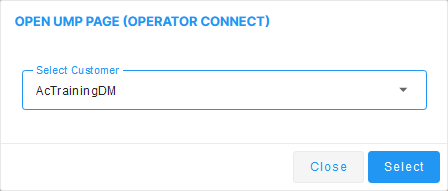
The Multitenant portal All Services page is displayed.
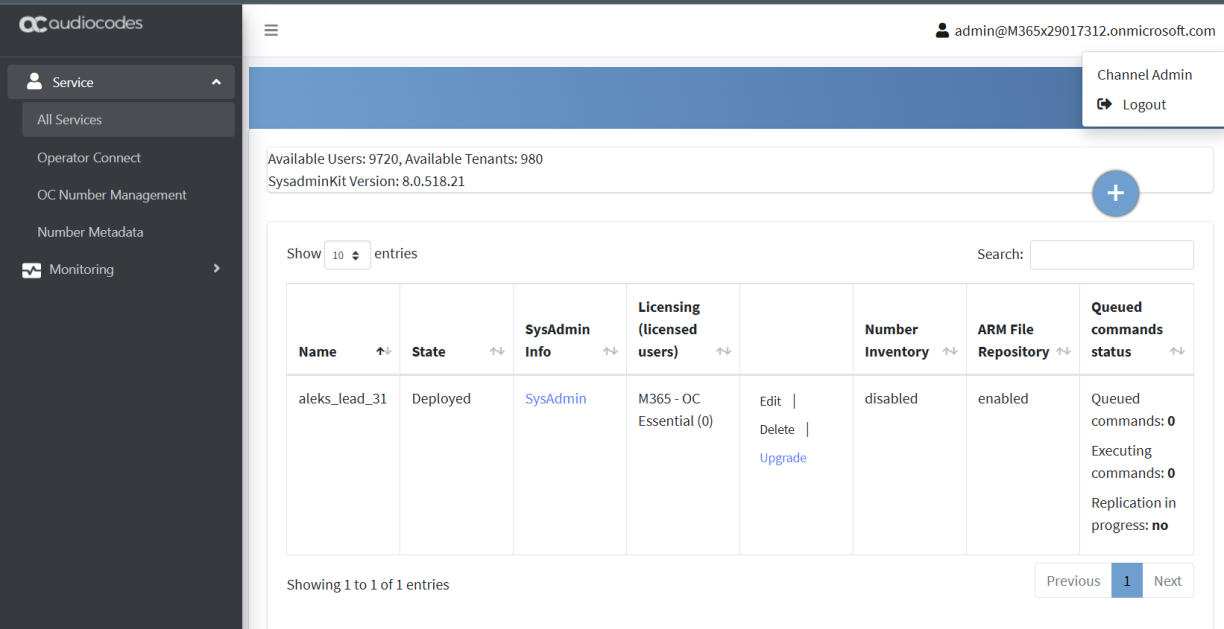
The Multitenant portal interface is displayed. See Multitenant Interface.